
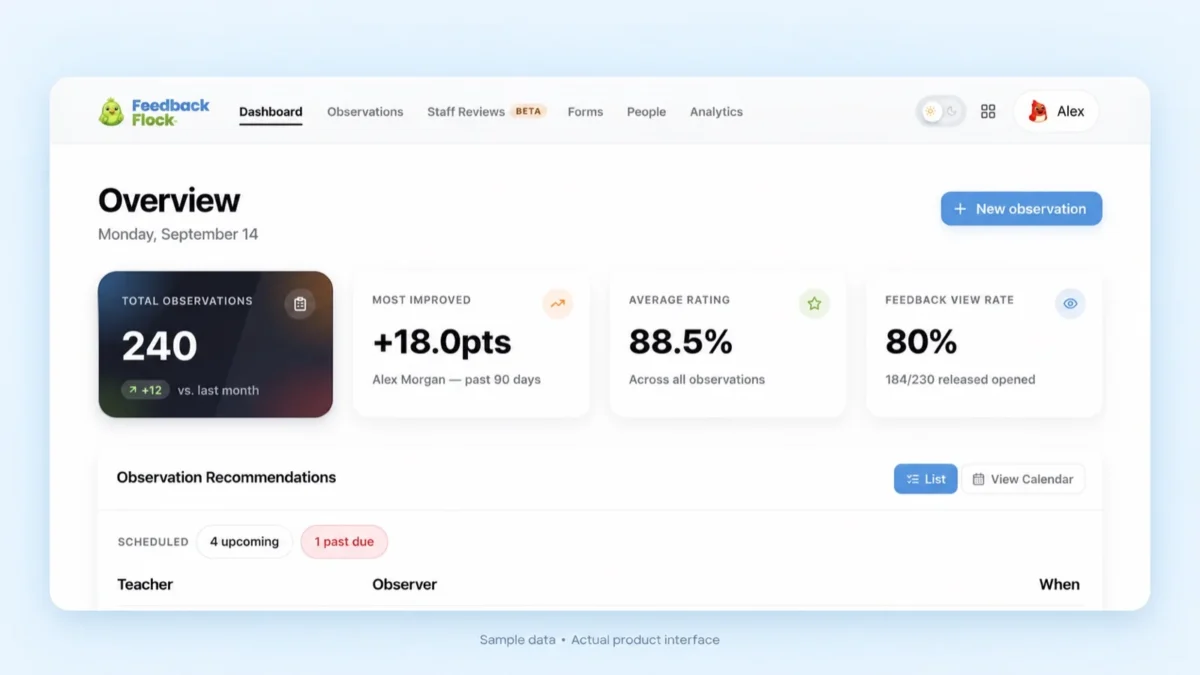
Early customer story · Teays Valley Christian School
25 Teachers. One Principal.
A More Manageable Teacher Observation Process.
With 25 teachers to observe and a school to run, Mary Mendez needs a teacher observation process that fits into the day she actually has.
At Teays Valley Christian School, Mary conducts the classroom visits herself. She recently began using Feedback Flock and has now observed nearly her entire faculty through the platform.
Scheduling the visit, recording what happened, and giving teachers useful feedback each need attention. Her early experience offers a practical look at the teacher observation process, from calendar invitations to feedback teachers can read.
Start with the calendar
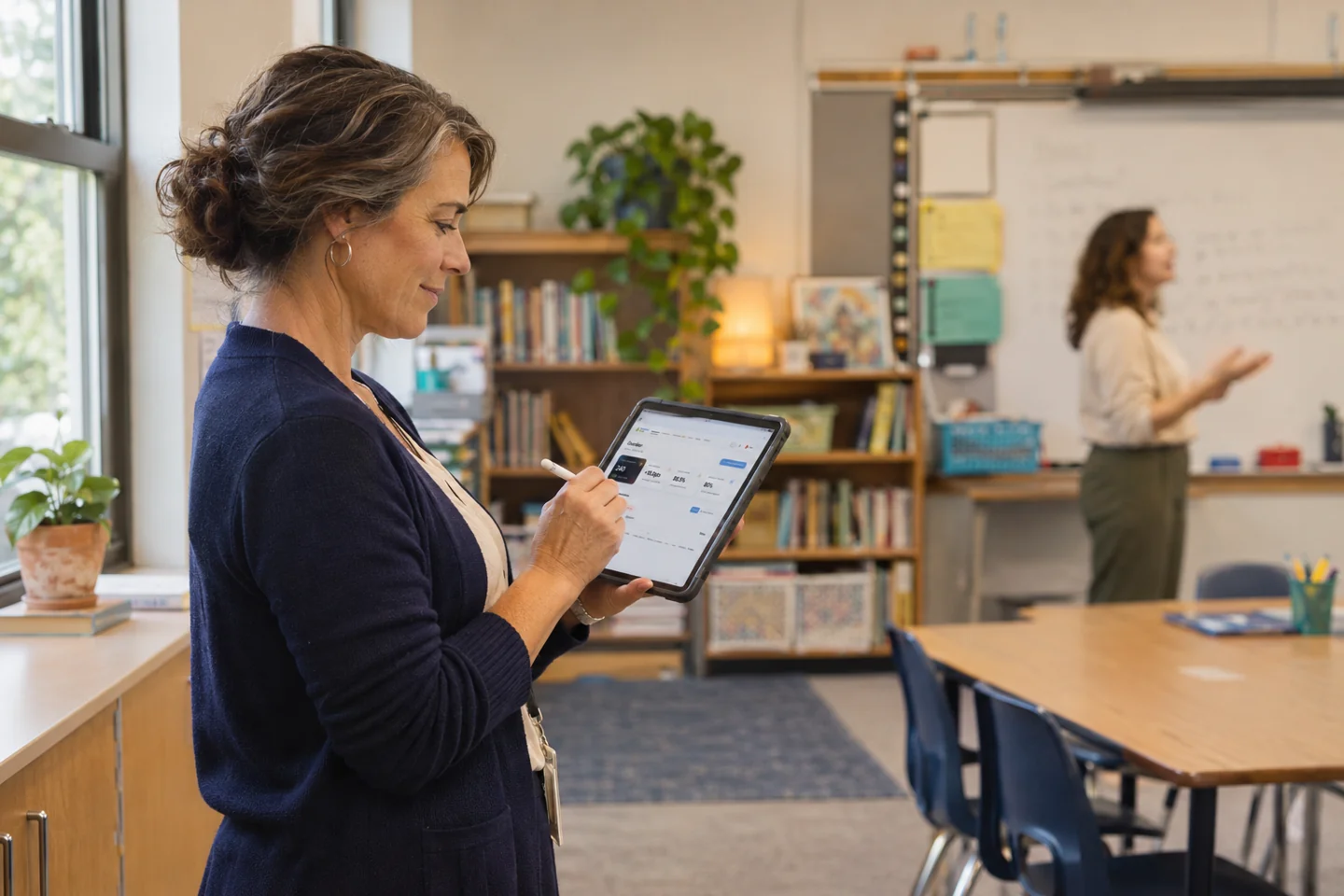
An observation starts before you enter the classroom. You need to choose a time, coordinate the visit, and keep it visible among your other commitments.
Mary uses Feedback Flock to schedule observations and add invitations to Google Calendar. She identifies scheduling as one of the features she finds most helpful.
For a principal managing the observation schedule herself, having the visit appear in the calendar she already uses makes it easier to keep that commitment in view.
Capture the classroom evidence
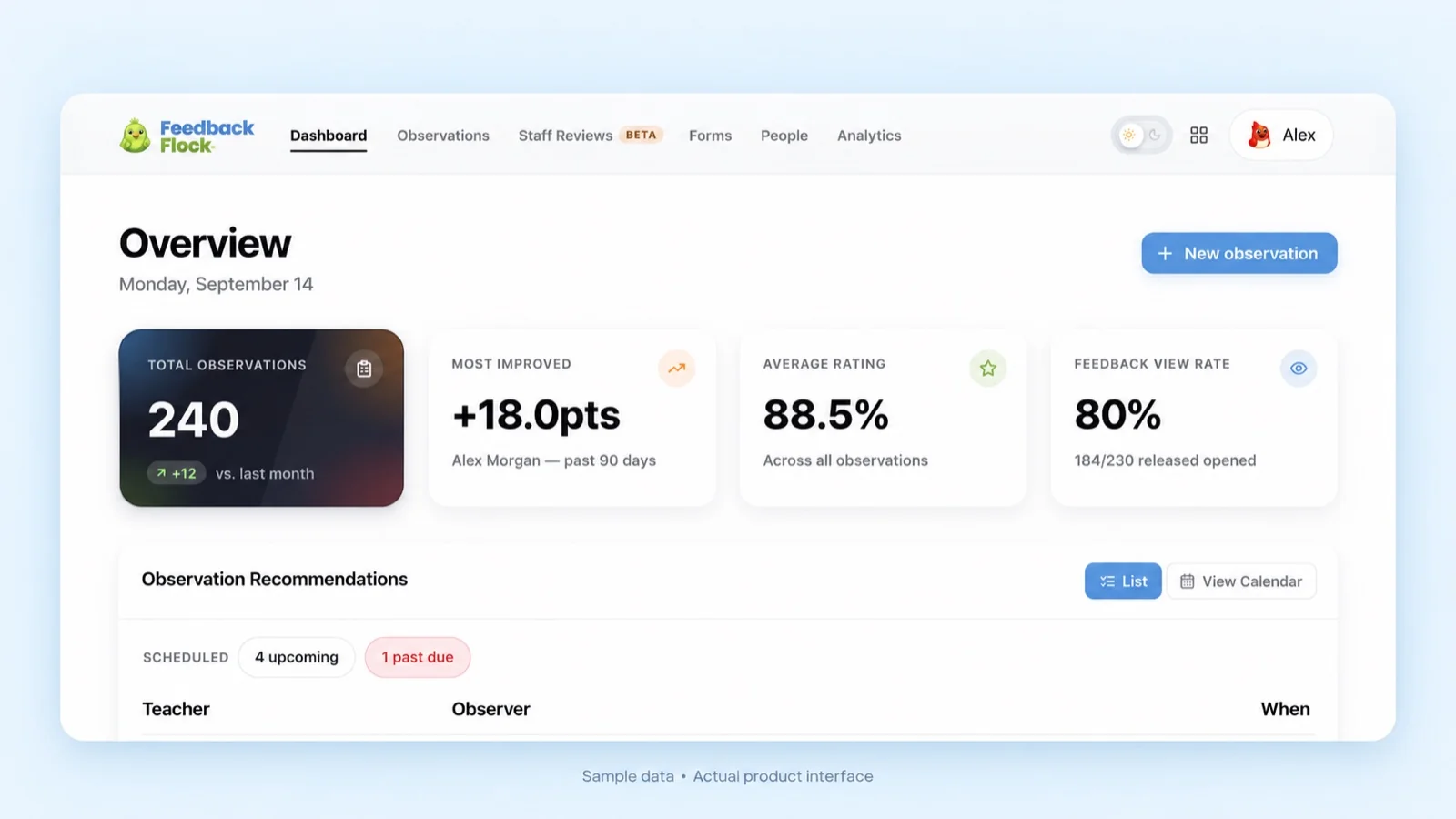
During the classroom visit, Mary completes her observation form and can include images or video clips to support her notes.
That gives her a way to document specific moments from the lesson alongside the observation criteria.
For another principal considering a digital observation tool, this is a useful place to start: can you capture the evidence you need while using a form that reflects your school’s expectations?
Feedback Flock supports custom observation forms, so the conversation can begin with the criteria your school already uses.
From notes to useful feedback
The classroom visit may be finished, but the feedback still needs your attention.
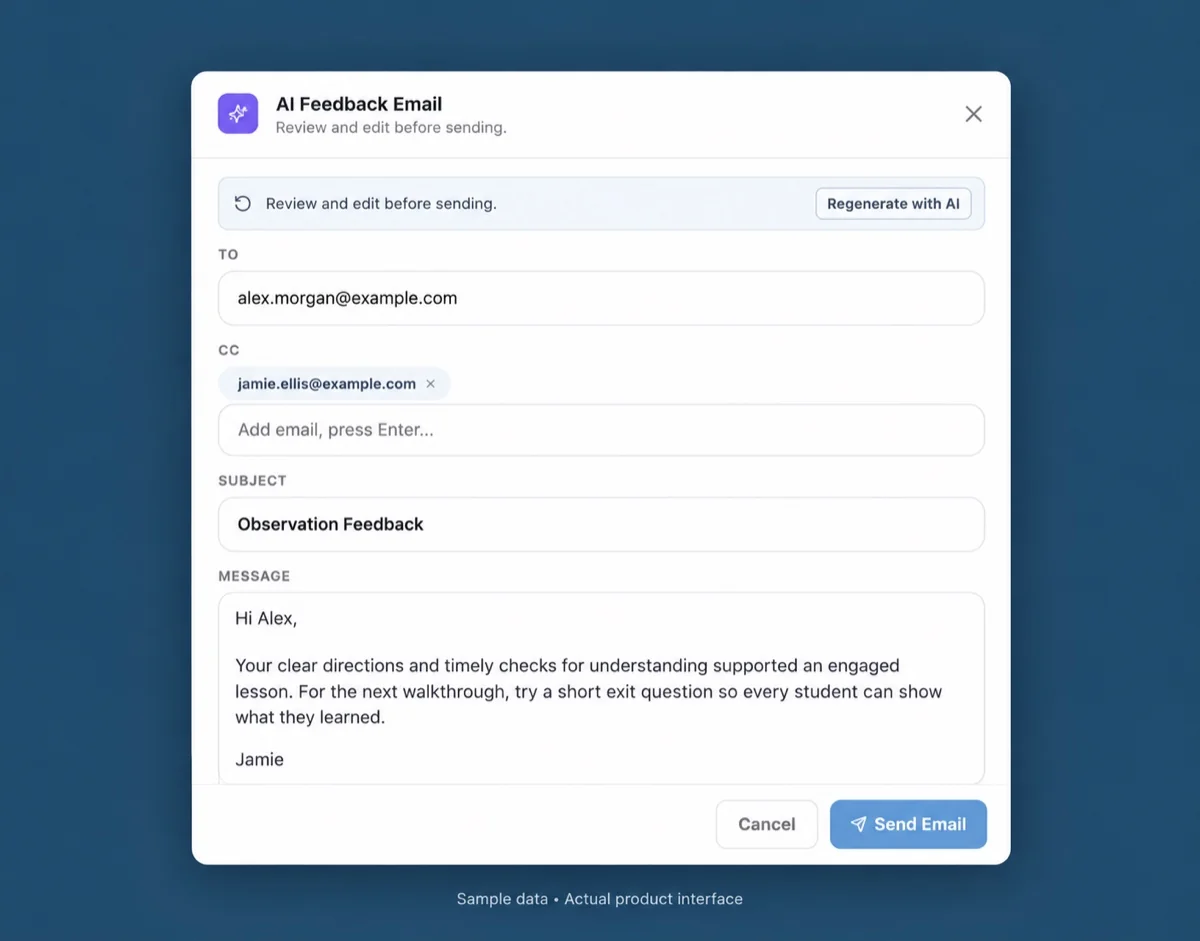
Mary particularly values the AI assistant for helping generate a feedback email from her observation notes. She then fine-tunes the wording before releasing the completed observation to the teacher.
Her workflow keeps her judgment in that final step. The draft gives her something to work from, and she reviews what the teacher will receive.
If writing up observations tends to collect at the end of your day, this is a workflow worth seeing in a demo: capture evidence, prepare a draft, and review the feedback before sharing it.
Pick up where you left off
A principal’s day rarely leaves every task uninterrupted.
Mary says that when another administrative responsibility delays her, saved work makes it easy to return to the observation when she has time.
She also appreciates having a PDF option for teachers who prefer to read on paper, with signature lines when a physical record is needed.
These practical details help determine whether a teacher observation process fits around the rest of the school day.
A process Mary can manage
Mary is still early in using Feedback Flock. Her experience so far speaks to putting a teacher observation process into everyday use across a faculty of 25 teachers.
Asked what she would tell another administrator, she described the responsibility of conducting observations herself:
“It can be a daunting task at times, but Feedback Flock has made it more manageable and seamless for me.”
Mary Mendez, Principal, Teays Valley Christian School
For school leaders with a similar workload, Mary’s teacher observation process offers a concrete starting point: scheduling visits, capturing classroom evidence, and preparing teacher feedback within one observation workflow.
Put it into practice
Five things to try in your demo
A feature list tells you what’s included. Testing your own teacher observation process shows you how it could fit your day. Use fictional classroom information and the form your school already knows.
Bring one observation form
Choose a form your school already uses. Bring the instructions and scoring definitions, including an item that may be unobservable in some lessons. Explain how your teacher observation process handles that distinction today. Ask to see how the digital form would preserve the difference between something not observed and an expectation that was not met.
Walk through scheduling one visit
Use a fictional teacher and a sample appointment. Follow the visit into the calendar you normally use, and check what the teacher receives. If someone else helps arrange visits, include their role in the demonstration so you can see the full scheduling routine.
Enter a small set of classroom evidence
Prepare three fictional notes: an instructional strength, a moment that needs clarification, and a possible next step. Match each to a form item. Check how supporting images appear alongside your notes, and whether the evidence would still make sense when you return to it later.
Review the feedback before sharing
Use those same notes to examine an AI-assisted draft, if that feature is part of your demonstration. Check accuracy, specificity, and tone. Remove anything that goes beyond the evidence, then adjust the next step to fit the classroom context. Make the edits yourself before deciding whether the workflow suits you.
Check the teacher’s view and your next action
Review the completed observation from the teacher’s perspective. Are the criteria, scores, and comments clear? Inspect the PDF if you need a printed record. Then identify what you would test during a trial and who would help check it. That gives your team a concrete way to evaluate the teacher observation process.
Before you switch
Questions about your teacher observation process
Can we keep the observation criteria we already use?
Bring your current rubric, scoring scale, and evidence prompts. Ask to see how those items would appear on a digital form. Include a subject or lesson where some criteria may not apply, so you can discuss how your school wants those situations recorded. A useful demonstration should make your own expectations easier to picture in the platform.
What happens between taking notes and sharing feedback?
Walk through that entire sequence. Start with a few fictional classroom notes, then examine the resulting feedback draft. Check how you would adjust the wording, add context, and decide when to share it. If you plan to use AI assistance, evaluate the draft against the evidence you supplied and make sure the final message reflects your professional judgment.
Will this work when I get interrupted?
Test a realistic school-day scenario: begin an observation, pause to handle another task, and return to your work. Ask where you would find unfinished observations and how you would tell them apart from completed or released records. Mary identifies returning to saved work as a helpful part of her experience; try that step yourself before deciding.
What will teachers receive?
Review the experience from the teacher’s perspective as well as the observer’s. Look for the observation criteria, scores, supporting comments, and the next step you want the teacher to consider. If your school uses printed documentation, review a PDF too. Use fictional information while testing so you can explore the workflow without introducing confidential teacher or student details.
How should we evaluate our first observation cycle?
Choose a few practical questions in advance: Were visits scheduled as intended? Could you record useful evidence? Was the feedback ready when you needed it? Could teachers access the information you meant to share? Record your own experience with those steps. A first cycle can help you judge day-to-day usability; comparisons of teacher growth need a longer observation history.
The most useful test is whether the teacher observation process fits your school’s actual work. Bring the steps that cause you difficulty to the demo, and ask to see them in practice.
Bring your form. See the whole workflow.
What would make your next round of observations easier? Let’s walk through your teacher observation process, from scheduling a classroom visit to reviewing and sharing feedback.
Book my school’s demoPrefer to explore first? See what Feedback Flock includes.
Based on Mary Mendez’s feedback during her initial use of Feedback Flock.