
HR and people teams
Employee performance review software for better feedback.
Employee performance review software for HR teams and supervisors who want custom forms, clear feedback, and a review history they can return to. Record the work, check the AI-assisted draft, and use each review to prepare the next conversation.
40 days to try Team, Growth, or Scale.
Choose a plan to sign up. Our team will arrange your account setup.
Manager image: generated illustration.

From a real review
Feedback That Starts a Better Conversation.
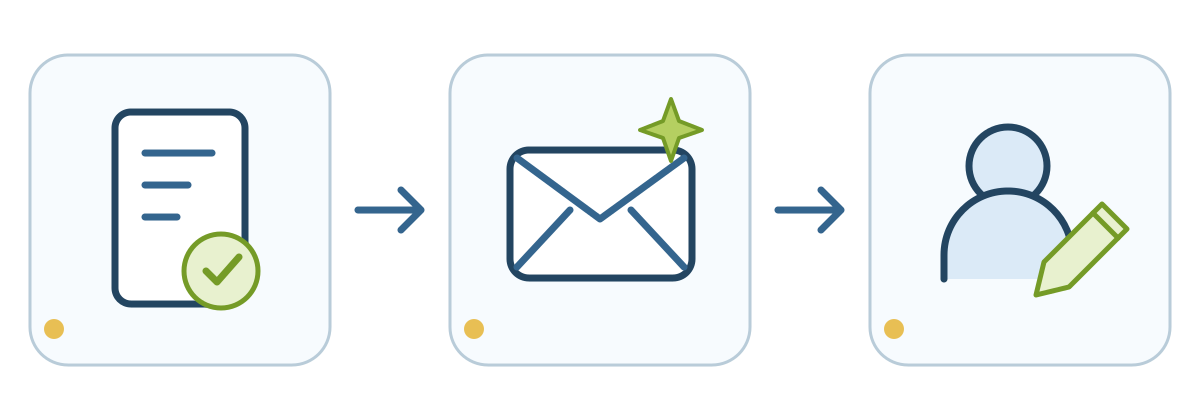
Help your people see what they’re doing well and where they can grow, with thoughtful feedback drawn from your notes and shaped by you.
Anonymized feedback email · excerpt
Hi Jordan,
I wanted to reach out and thank you for your quick turnaround on the grandparents day video this past period. That kind of responsiveness makes a real difference in how we're able to serve our community and families.
Looking ahead, I'd like us to focus on two areas as we move into the next review period.
Compare your options
Employee performance reviews should lead to a clear next step.
A shared form or spreadsheet can work for a small team with a consistent process. Dedicated employee performance review software becomes useful when managers need the same scoring framework, feedback takes too long to finish, or HR has to search several files for an employee’s earlier reviews. Compare the complete cycle, from recording evidence to finding it again before the next meeting.
Compare: the manual approach
Forms, spreadsheets and email
A manual review process.
The review form
Separate copies and versions
Scoring
Totalled by hand
Feedback
Written later, if at all
Review history
Paper, scattered folders, files, and inboxes
With Feedback Flock
Feedback Flock Staff Reviews
Reviews, scores and drafted feedback in one place.
The review form
One reusable review form
Scoring
Calculated for you
Feedback
Drafted when you submit
Review history
A complete review history, filterable by employee or location
How employee review software works
Four steps from the review to the next conversation.
Employee review software keeps notes, scores and feedback together on your everyday devices. Before the first cycle, agree what each rating means and what evidence belongs in the notes. Use the same permitted sample to test every step below. A useful trial should show both the manager’s work and the employee’s experience, including how each person returns to an earlier review. Make the feedback conversation part of your process; sending an email does not establish that the next step is understood.
1
Build the review form
Use your own competencies, rating scale and sections, or start from a template and edit it. Built once, reused every cycle.
2
Conduct the review
Score each area as you go and add notes while the work is still fresh, rather than reconstructing three months from memory.
3
Check and send the feedback
A feedback email is waiting, written from your notes. Read it, adjust it or redraft it, then send it to the employee and to anyone else you choose.
4
See it land
The review and its feedback sit on one record, and you can see when the employee opened it. That history gives your next conversation a starting point.
What's included
Staff performance review software with the essentials in one place.
Staff performance review software brings custom forms, scoring, feedback and reporting into one product. Use it as a standalone review workflow. If your buying decision depends on an HRIS or payroll connection, discuss that requirement before choosing a plan; those integrations are not currently available.
Custom review forms
Employee evaluation software should fit your framework. Use your own competencies, rating scale and sections. Set the form up once and reuse it every cycle instead of rebuilding it.
Scoring that adds up
Score each area as the review happens. Totals and percentages are calculated for you, so nothing is totalled twice or re-typed at the end.
Feedback drafted by AI
The email is written from the reviewer's own notes and scores, naming the specifics. They edit it and send it, or redraft it.
See who has been reviewed, and who is behind
One view of the period: who has been reviewed, who is still outstanding, and what is sitting with a reviewer.
Employee dashboards and review history
Employees see their released scores, notes and goals in one place. HR and supervisors can filter the detailed review archive by employee or location, so the next conversation starts with the full history.
Insights across teams and locations
See scores and trends by team, division and location, so you can tell where support is needed instead of waiting for a pattern to become obvious.
Bring the form you already use
See your review process in action.
Bring your existing review form to a Feedback Flock demo. See custom scoring, AI-assisted feedback you review before sending, and employee review history together. Walk through the process your managers and employees will use, then decide whether it fits your team.
Your framework, your forms
Employee evaluation software built around your form.
Bring your existing review form into our employee performance review software. Build it as it stands, and change it whenever the organization does. Your competencies and expectations stay yours.
- Competencies, rating scales, sections and weightings, set the way your organization already works.
- Different review types for different roles and periods, so a first review and an annual one need not ask the same questions.
- Change the form later without losing the reviews already completed against the earlier version.
Example review sections
A framework that reflects the work.
Job performance
Score the competencies that matter for the role.
Strengths & contributions
Record the work that went well, with specific examples.
Areas for growth
Identify what needs attention and the support that would help.
Goals for the next review period
Give the next conversation a clear starting point.
AI-assisted performance review feedback
AI-assisted performance reviews with feedback you control.
Our employee performance review software drafts the feedback email from what you actually recorded: the specific work, the scores behind it, and the areas that need work next. You read it, adjust it or redraft it, and choose who receives it.
- Written from the reviewer's own notes, so it names the actual piece of work and the score it earned rather than a category.
- The reviewer reads the draft and changes it before anything is sent. Nothing reaches an employee unreviewed.
- The reviewer sends it to the employee and to anyone else they decide should see it. The send list stays with them.
The reviewer stays in control
Review. Refine. Release.
1 · Read the draft
Start from the notes and scores you recorded.
2 · Make it yours
Adjust the language or redraft the feedback.
3 · Choose who receives it
Send it to the employee and the people you select.
See the feedback
One real review. This is the email it produced.
See an anonymized email drafted from a real reviewer's notes and scores. With AI-assisted performance reviews, the reviewer reads and adjusts the draft before sending it.
Anonymized excerpt · employee name changed
“Looking ahead, I'd like us to focus on two areas as we move into the next review period. First, continuing to improve on timeliness and organization, I know this is something you're already aware of and working on. Second, I'd encourage you to keep refining your approach to interdepartmental relationships.”
Read the full feedback email
Anonymized sample · employee name changed
Hi Jordan,
I wanted to reach out and thank you for your quick turnaround on the grandparents day video this past period. That kind of responsiveness makes a real difference in how we're able to serve our community and families.
As I reviewed your performance this quarter, a few things stood out. Your work on planning with the marketing team has been excellent, your thoughtfulness about marketability and how we're positioned for future families shows real strategic thinking. Beyond that, your quality of work and initiative in problem-solving continue to be strengths (both rated at a 4), and I've appreciated how you've collaborated with the team and handled the vision work we've been developing together. You're also doing a solid job staying aligned with our mission.
Looking ahead, I'd like us to focus on two areas as we move into the next review period. First, continuing to improve on timeliness and organization, I know this is something you're already aware of and working on. Second, I'd encourage you to keep refining your approach to interdepartmental relationships. Some departments present more challenges than others, and strengthening that diplomacy will serve you and the school well. We've also got some exciting initiatives on the horizon: the parent academy kickoff, breaking ground on the gated area, and round two of physical signage, all areas where I see you contributing meaningfully.
I've attached your full review for you to look over. I'd like to sit down with you soon to walk through it together and talk about how I can support you in these next steps. Let me know what works for your schedule.
Thanks again for all you bring to our team.
Best,
Tim
Employee Performance Review pricing
Choose by both active employees and locations. Team covers 25 employees at one location, Growth covers 75 across up to two, and Scale covers 200 across up to five. Every plan includes the core review tools and AI feedback drafts. For more than 200 employees or six or more locations, ask about Enterprise. Compare the monthly and annual billing options before signing up.

Team
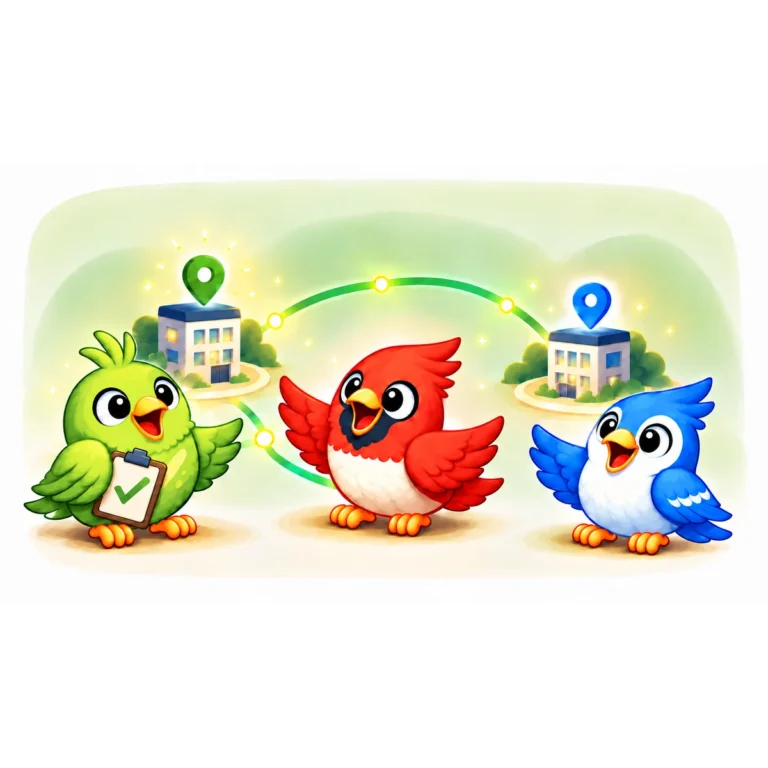
25 active employees • 1 location
$39 / month
Or $390 per year. Save $78 annually.
• Custom forms and scoring
• Review history and AI feedback drafts
Growth
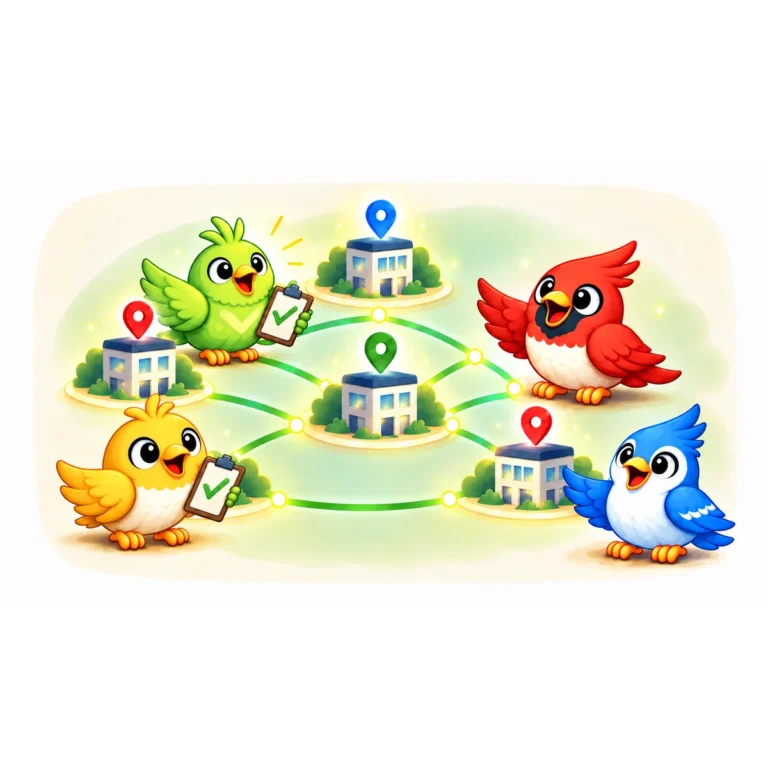
75 active employees • Up to 2 locations
$79 / month
Or $790 per year. Save $158 annually.
• All core review features
• Employee and location history filters
Scale
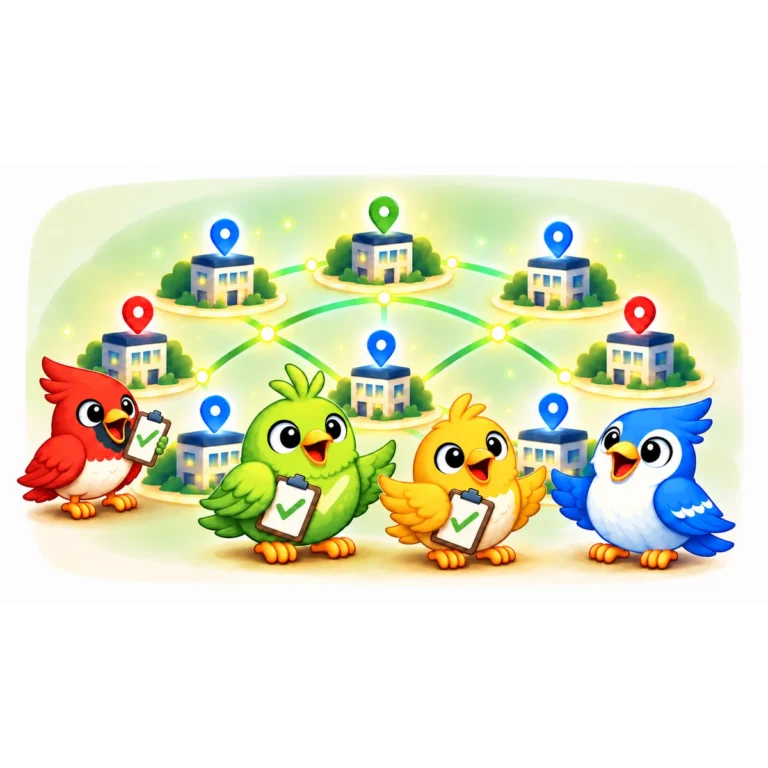
200 active employees • Up to 5 locations
$149 / month
Or $1,490 per year. Save $298 annually.
• All core review features
• Oversight across your locations
Enterprise
6+ locations or more than 200 employees
Custom pricing
Let’s build the right fit together.
• All core review features
• A package matched to your organization
Team, Growth, and Scale include a 40-day free trial.
Choose monthly or annual billing. Your selected subscription renews automatically after the trial unless cancelled. Our team contacts you to arrange account setup after signup.
Common questions
Questions about employee performance review software.
Forms, pricing, AI-assisted feedback and getting started.
Who is this actually for?
It’s for HR teams and supervisors who want a consistent review form, feedback grounded in recorded work, and a searchable review history. Before choosing employee performance review software, identify who completes reviews, who receives feedback, and which locations need oversight. In a demo, include a manager and the person responsible for the next review cycle. Ask each to complete their everyday task, rather than judging only the administrator’s screen. If you need a wider HR suite, list those requirements separately and confirm them with us before buying.
How do we get started?
Start by counting active employees and locations, then choose your trial plan and billing option. Our team contacts you to arrange account setup after signup. Bring a blank review form, your rating scale, and the roles you need to support. During the 40-day trial, run a permitted sample review and check the feedback, employee view, and review history before rolling it out more widely. Your selected subscription renews automatically after the trial unless cancelled.
Can we use our own review form and scoring?
Yes. Our employee evaluation software lets you set your own competencies, rating scales, sections and weightings. You can change the form later without losing the reviews already completed against it.
Is the AI writing the feedback for us?
It drafts the email from the reviewer's notes and scores. The reviewer reads it, adjusts it or redrafts it, and chooses the recipients before sending. The software supports the reviewer's judgment; the reviewer remains responsible for the feedback.
Does it connect to our HRIS or payroll system?
Not yet. Email is the current channel and integration work is planned, so there is nothing you have to connect before running your first cycle.
Can we use this as a standalone product?
Yes. The employee performance review software can be used on its own. It brings custom forms, scoring, employee dashboards, regional insights and AI-assisted feedback together in a lightweight product.
Start with 40 days
Give every review a feedback email.
Bring a blank form and a typical set of review notes to your demo. Ask to build the scoring scale, draft and edit feedback, open the employee’s view, and retrieve a previous review by employee or location. That gives your team a concrete way to judge whether the process fits before choosing a 40-day trial.